
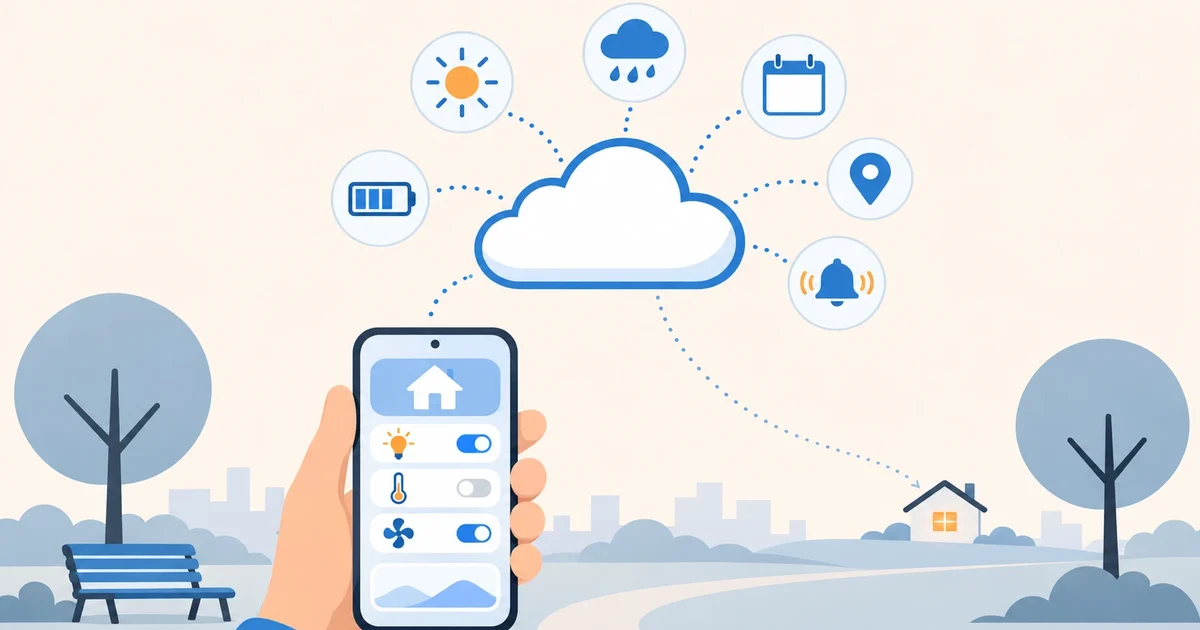

Lots of people never start with Home Assistant because they think they first need to buy a server, a hub and half a dozen devices. You don’t. Your phone is already a pretty good sensor, Home Assistant comes with useful data like the sun, the weather and public holidays, and with that you can build your first automations and learn how everything works before spending anything on gadgets.
Step 1: a Home Assistant that needs no hardware
If you don’t want to buy anything, it makes little sense to start by buying a Raspberry Pi. With Home Assistant in the cloud, your instance is up and running in minutes, with its own secure address. For what follows it has another advantage: the phone app connects to your Home Assistant from anywhere, so your location and your notifications also work when you’re away from home.
Step 2: your phone as a sensor
Install the official Home Assistant app (Android or iOS) and sign in with your user. Your phone shows up as one more device, with sensors like these:
- Location: Home Assistant knows whether you’re home or away, and which zone you’re in. You set your home location during setup, and you can add more zones: work, the gym, the supermarket.
- Battery: the level and whether it’s charging.
- Activity: whether you’re still, walking or driving.
- Next alarm (Android only): the time of your next wake-up alarm.
It also receives notifications from Home Assistant, even with buttons to reply.
Step 3: what Home Assistant already knows
- The sun: it comes installed and knows when the sun rises and sets at your home every day.
- The weather: the Met.no integration (Norway’s meteorological institute) gives you the weather and forecast for your location. It’s free and needs no sign-up.
- Workdays and holidays: the Workday integration knows whether today is a workday, with the public holidays of your country and region.
- Calendar and lists: you can create a calendar and to-do lists (your shopping list, for example) inside Home Assistant itself.
Five automations to get started
All of them are built in the visual editor, under Settings → Automations, without writing code:
- Charge your phone: at 11 pm, if the battery is below 30% and not charging, you get a reminder.
- The shopping list, where you need it: create a zone at your supermarket; when you enter it, you get a notification to open the list in the app.
- Umbrella: on workdays, at the time you leave, if the weather says rain, it warns you.
- Reminders that respect holidays: a workday reminder (take out the trash, take a medicine) that stays quiet on public holidays.
- Let me know when you arrive: when someone in the family gets home or to work, you get a notification. Each person needs the app on their smartphone, set up with their own user.
They look small, but they teach you the essentials of Home Assistant: triggers, conditions, actions, zones and notifications. When your first device arrives, you’ll already know what to do with it.
When you’re ready for the next step
If you already have plugs, bulbs or a thermostat you control with their app, check whether they have a Home Assistant integration: many connect through the manufacturer’s cloud and work without buying anything else. If you’re going to buy, a good first device is a Wi-Fi plug or relay that supports MQTT, like Shelly or devices running Tasmota: they connect straight to your Home Assistant in the cloud, without opening ports. Then the umbrella automation can also turn on a light by the door, not just warn you.
Start today, with no hardware
Coiaca Cloud HA is official, unmodified Home Assistant on your own private instance. It’s ready in about 15 minutes, with an HTTPS address so the app works from anywhere without a VPN, and an MQTT broker with TLS already set up for when your first device arrives. Nothing to buy, nothing to install, and no lock-in.
And with the 30-day free trial you can build the five automations in this article and use them for a whole month without paying anything. If it’s not for you in the end, cancel before day 31 and that’s it.
Try Coiaca Cloud HA free for 30 days
Sources
- Home Assistant app: sensors
- Home Assistant app: notifications
- Home Assistant: zones
- Home Assistant: sun
- Home Assistant: Met.no
- Home Assistant: Workday
- Home Assistant: local to-do lists
Coiaca is not affiliated with the Open Home Foundation, Nabu Casa or the manufacturers mentioned. Home Assistant is a trademark of its owners.