
Skip to content
No results
  • Home
  • Support
    • Frequently Asked Questions (FAQs)
    • Help, Docs and Guides
    • System Status
    • Firmware Download
    • Contact
  • Blog
  • My account
  • Español
Coiaca
Coiaca
  • Home
  • Support
    • Frequently Asked Questions (FAQs)
    • Help, Docs and Guides
    • System Status
    • Firmware Download
    • Contact
  • Blog
  • My account
  • Español
Coiaca
Coiaca
  • Technical Information

Home Assistant for beginners: the questions everyone asks before starting
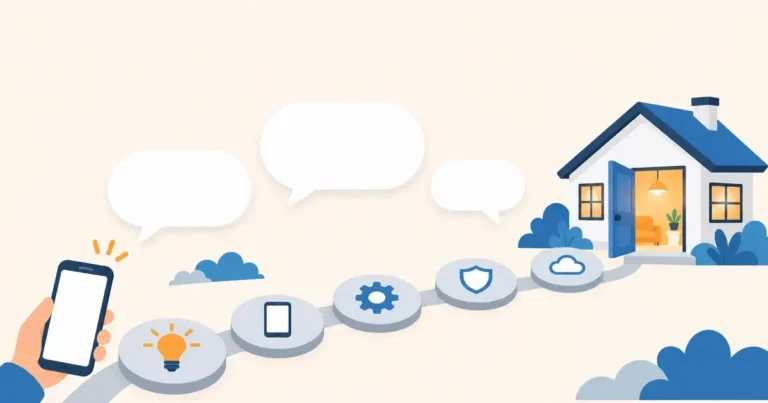
Illustration: a stepping-stone path with bulb, phone, gear, shield and cloud icons leads from a hand holding a phone to the open door of a house

What it is, what it costs, whether you need to code, whether it works with your devices and what you need to get started. Short, jargon-free answers.
  • Coiaca
  • November 11, 2026
  • Technical Information

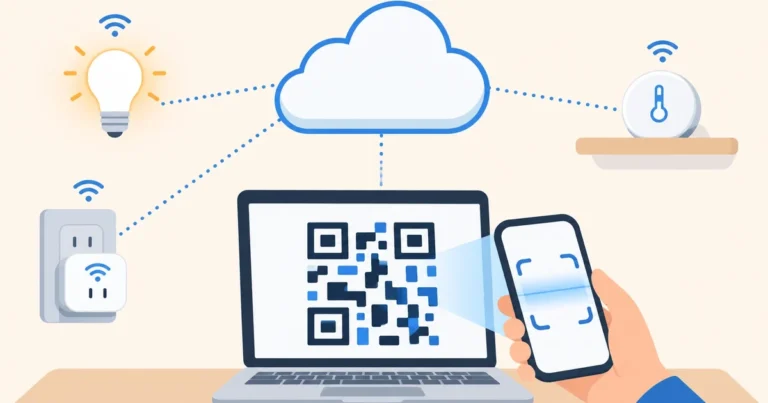
Your Tuya and Smart Life devices in Home Assistant, without changing the firmware

Illustration: a phone scans a QR code on a laptop screen, and dotted lines link a cloud to a plug, a bulb and a sensor

The plugs, bulbs and sensors you set up with Smart Life or Tuya Smart connect to Home Assistant with a QR code, no developer account needed. And since they go through the Tuya cloud, they work just the same with Home Assistant in the cloud.
  • Coiaca
  • November 14, 2026
  • Technical Information

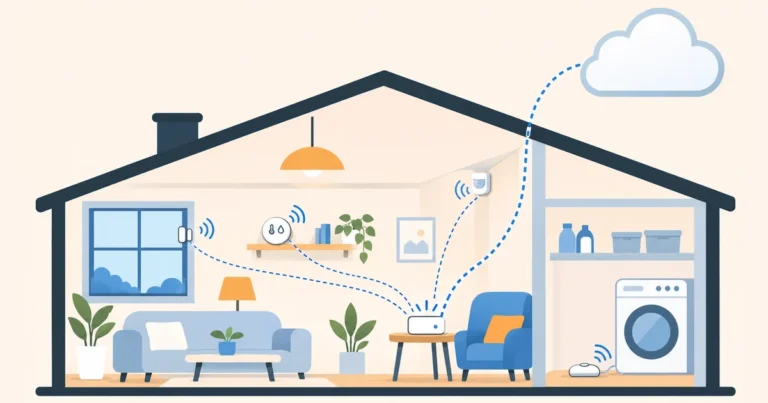
Cheap Zigbee sensors that work with Home Assistant in the cloud

Illustration: a house with window, temperature, motion and water leak sensors sending their signal to a coordinator connected to the cloud

Temperature, doors, motion and water leaks: the most useful cheap Zigbee sensors, how they reach your Home Assistant in the cloud through a network coordinator, what to check before buying and three automations to start with.
  • Coiaca
  • November 12, 2026
  • Technical Information

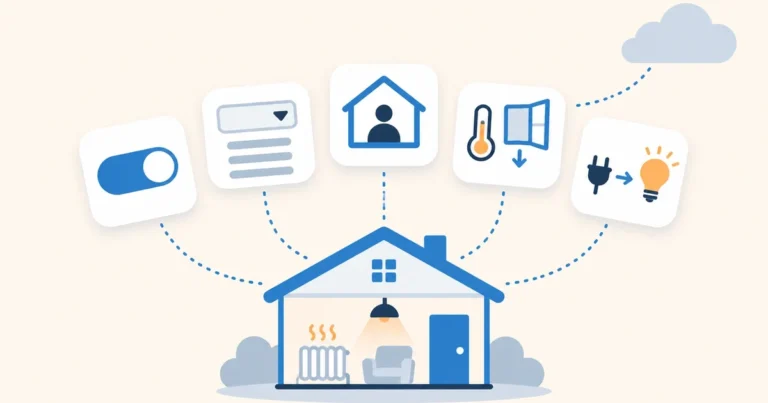
5 Home Assistant helpers that simplify your automations

Illustration: five tiles with symbols for a toggle, a list, an occupied house, a window with a thermometer and a plug turning into a bulb, connected to a house

Toggle, dropdown, template, trend and change device type of a switch: five Home Assistant helpers you create without hardware that make your automations simpler, with real examples for heating, presence and windows.
  • Coiaca
  • November 11, 2026
  • Technical Information

Zigbee on a cloud Home Assistant: connect an SLZB-06M and forget about IP changes

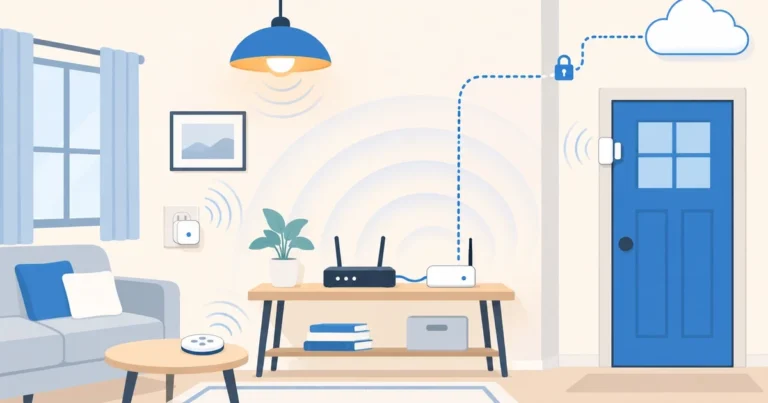
Illustration: a Zigbee coordinator next to a home router, connected to a cloud, with bulbs, remotes and sensors around it

How to connect Zigbee devices from Aqara, Philips Hue, IKEA, SONOFF and many other brands to a Home Assistant in the cloud with an SLZB-06M network coordinator, without dropping when your IP changes and without leaving the port open to anyone.
  • Coiaca
  • November 11, 2026
  • Technical Information

Start with Home Assistant without buying anything: what you can do with just your phone

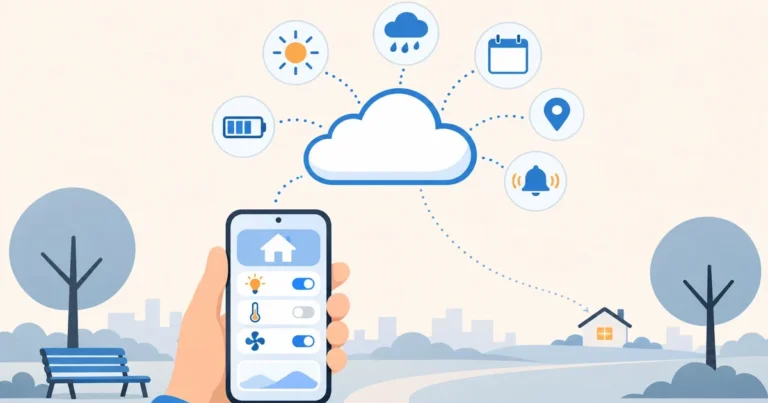
Illustration: a hand holding a phone in a park, linked by dotted lines to a cloud surrounded by sun, rain, calendar, location, battery and notification icons

Your phone is already a sensor, and Home Assistant comes with the sun, the weather and public holidays. Five automations to learn before buying any device.
  • Coiaca
  • November 11, 2026
  • Technical Information

Home Assistant in the cloud or on a Raspberry Pi: which one suits you

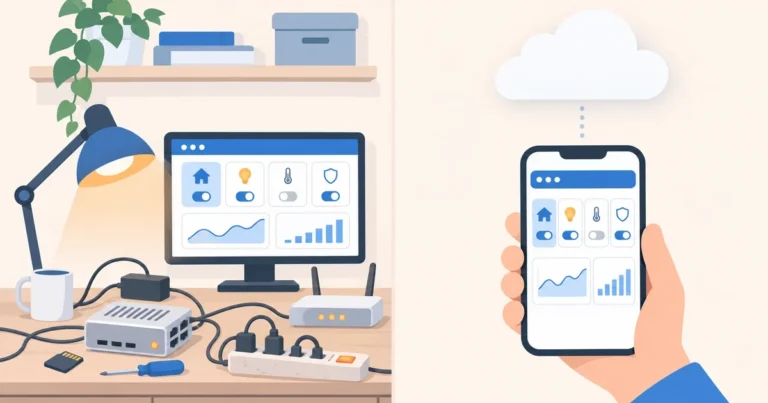
Illustration: on the left a small computer with cables and a memory card at home; on the right a cloud and a phone with the same Home Assistant dashboard

The same Home Assistant, on hardware at home or in the cloud. What each option really costs, side by side, and when each one makes sense.
  • Coiaca
  • November 10, 2026
  • Technical Information

How to access Home Assistant away from home without opening ports

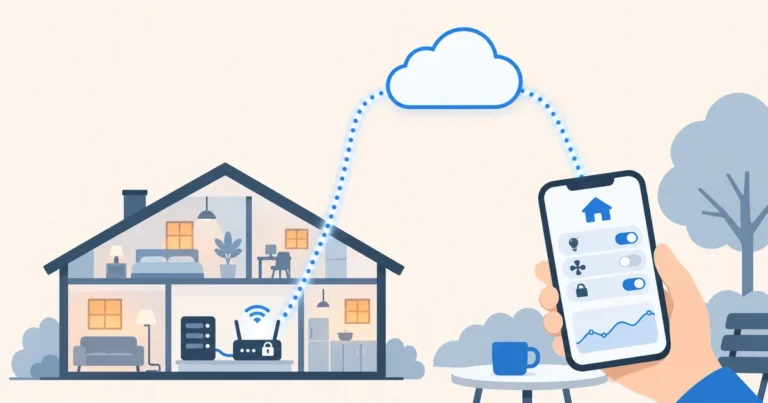
Illustration: a house with a padlocked router and an outbound connection to the cloud and on to a phone away from home

Opening a port on your router is the best-known way and the least advisable one. Three safe alternatives, what each one needs and which one suits you.
  • Coiaca
  • November 10, 2026
  • Technical Information

Apps and Marketplace: what changed in Home Assistant in 2026

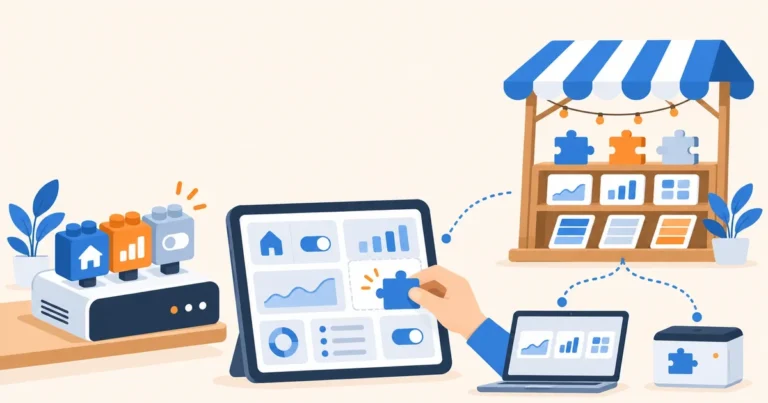
Illustration: a server with plugged-in blocks (apps) and a market stall handing pieces to a tablet, a laptop and a container (the Marketplace)

Add-ons are now apps and HACS is now the Marketplace. What each one is, which installations it runs on and what it means for yours.
  • Coiaca
  • November 10, 2026
  • Release Notes

🚨 New Firmware Release for BRDSC01 – Now Smarter, Faster, and OTA-Ready!

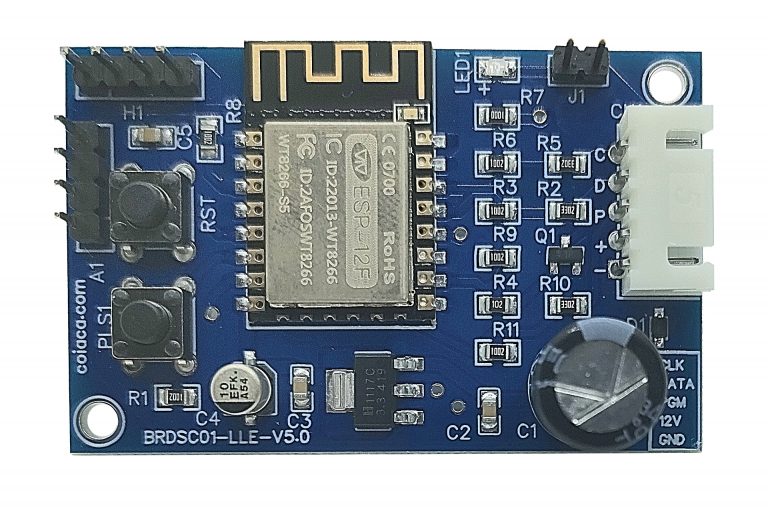
BRDSC01 v5 board

We’re excited to announce a major firmware update for the BRDSC01, our intelligent interface for DSC alarm panels. This release marks a significant evolution in flexibility, remote management, and reliability.

  • Coiaca
  • June 4, 2025
1 2 3 4
Next

Coiaca

WiFi bridges and sensors that make your existing devices smart, made for Home Assistant, Tasmota and MQTT.

Contact us

  • LinkedIn
  • Facebook
  • Twitter

Documentation

  • Docs and References
  • Smart Temp Tracker and Smart Temp Tracker Black comparision
  • The Role of Buzzers in Home Automation Systems
  • Transform Any Switch into a Smart Switch with Coiaca AWR01: A Home Automation Game Changer
  • Calibrating Temperature Sensors
  • Integrating BRDSC01 with Home Assistant

Information

  • Frequently Asked Questions (FAQs)
  • General terms of sale
  • Shipping and tracking
  • Returns, withdrawal and cancellations
  • Warranty
  • Coiaca Cloud HA terms of service
  • Privacy policy
  • Cookie policy
  • Legal notice
Copyright © 2026 Coiaca
Manage Consent
To provide the best experiences, we use technologies like cookies to store and/or access device information. Consenting to these technologies will allow us to process data such as browsing behavior or unique IDs on this site. Not consenting or withdrawing consent, may adversely affect certain features and functions.
Functional Always active
The technical storage or access is strictly necessary for the legitimate purpose of enabling the use of a specific service explicitly requested by the subscriber or user, or for the sole purpose of carrying out the transmission of a communication over an electronic communications network.
Preferences
The technical storage or access is necessary for the legitimate purpose of storing preferences that are not requested by the subscriber or user.
Statistics
The technical storage or access that is used exclusively for statistical purposes. The technical storage or access that is used exclusively for anonymous statistical purposes. Without a subpoena, voluntary compliance on the part of your Internet Service Provider, or additional records from a third party, information stored or retrieved for this purpose alone cannot usually be used to identify you.
Marketing
The technical storage or access is required to create user profiles to send advertising, or to track the user on a website or across several websites for similar marketing purposes.
  • Manage options
  • Manage services
  • Manage {vendor_count} vendors
  • Read more about these purposes
View preferences
  • {title}
  • {title}
  • {title}