
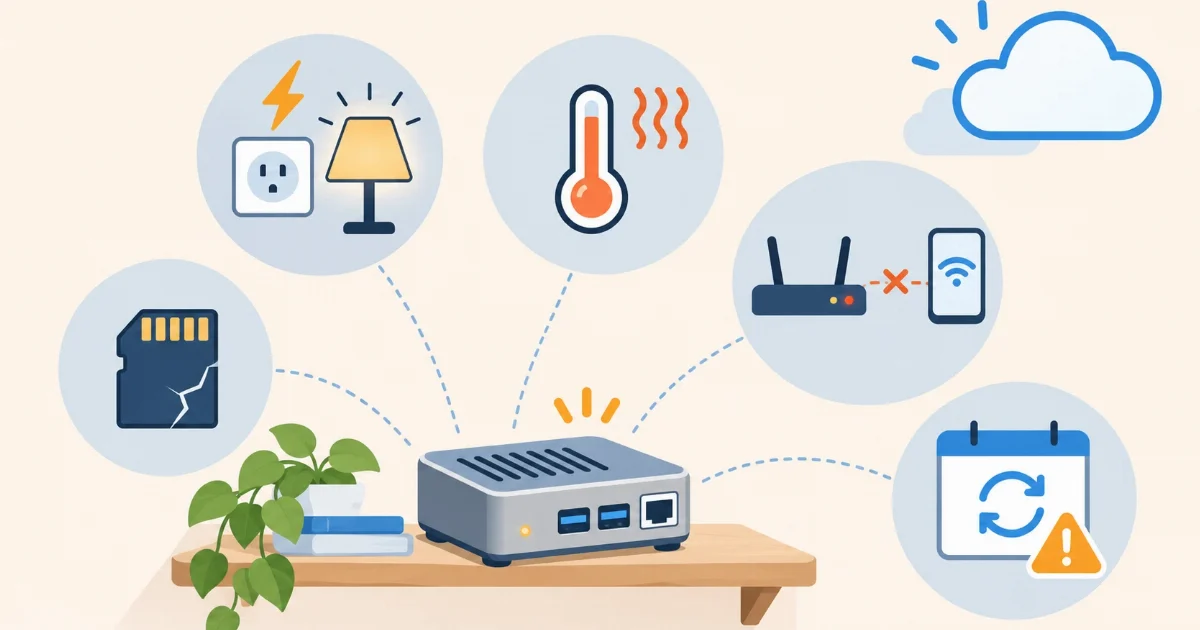

Running Home Assistant at home, on a Raspberry Pi or a mini PC, is an excellent option: it is yours, it works without internet and you control everything. But it has weak spots, and almost everyone who runs it hits one of them. These are the five most common, how to avoid them if you run it at home, and what changes if you run it in the cloud.
1. The SD card dies
Home Assistant writes to disk all the time: the history of every sensor, the logs, the database. microSD cards are not made for that and, over the months, they get corrupted. One day the Raspberry Pi does not boot and you do not know why.
How to avoid it at home: boot from a USB SSD instead of the card, keep it in a well-ventilated case (heat also shortens the life of the machine and the disk) and keep recent backups off the device (see point 3).
2. Power cuts
A power cut switches the machine off abruptly, in the middle of a write. It usually boots again without trouble, but a hard shutdown is the fastest way to damage a card or a database. And if it happens while you are away, the home has no automations until the power comes back and the machine boots.
How to avoid it at home: a small UPS (a battery for the machine and the router) gives a few minutes to shut down cleanly or ride out a short cut.
3. Backups that were never tested
Many people have automatic backups turned on, but stored on the same disk that just failed, or encrypted with a key nobody wrote down. The day they are needed, they are useless.
How to avoid it at home: keep backups off the machine too, write the encryption key down somewhere safe and, once, try restoring a backup. It is the only way to know it works.
4. Access from outside your home
Seeing your home from your phone while you are out is one of the first things everyone wants, and one of the hardest to set up well. Opening ports on the router exposes your machine to the internet. Many fibre connections use CGNAT, which simply does not let you open ports. And your home IP changes, so you need dynamic DNS and a certificate.
How to avoid it at home: use a tunnel instead of opening ports. We explain it step by step in how to access Home Assistant from outside without opening ports.
5. The update that breaks something
You update, and an integration stops working, or the system does not start. Rolling back at home is possible, but you need a backup from right before and you need to know how to restore it, sometimes without access to the interface.
How to avoid it at home: back up before every update, wait for the month’s first fix and read the breaking changes in the official notes. Every month we publish a plain-language summary on this blog.
And in the cloud?
With Home Assistant in the cloud, such as Coiaca Cloud HA, all five change hands. There is no SD card and no machine at home to fail or switch off in a power cut. Access from outside is included, with your own address and HTTPS, without opening ports. A backup is one click in your panel and you download it whenever you like. And if an update does not start, it rolls back to the previous version by itself.
To be honest, the cloud has its own weak spot: if your home internet goes down, Home Assistant cannot reach your devices until it comes back. And it does not have the apps (the former add-ons) of Home Assistant OS. If that matters most to you, a well-built machine at home is still the best option. We compare both in detail in cloud or Raspberry Pi.
Sources
Coiaca is not affiliated with the Open Home Foundation, Nabu Casa or Raspberry Pi. Home Assistant is a trademark of its owners.