
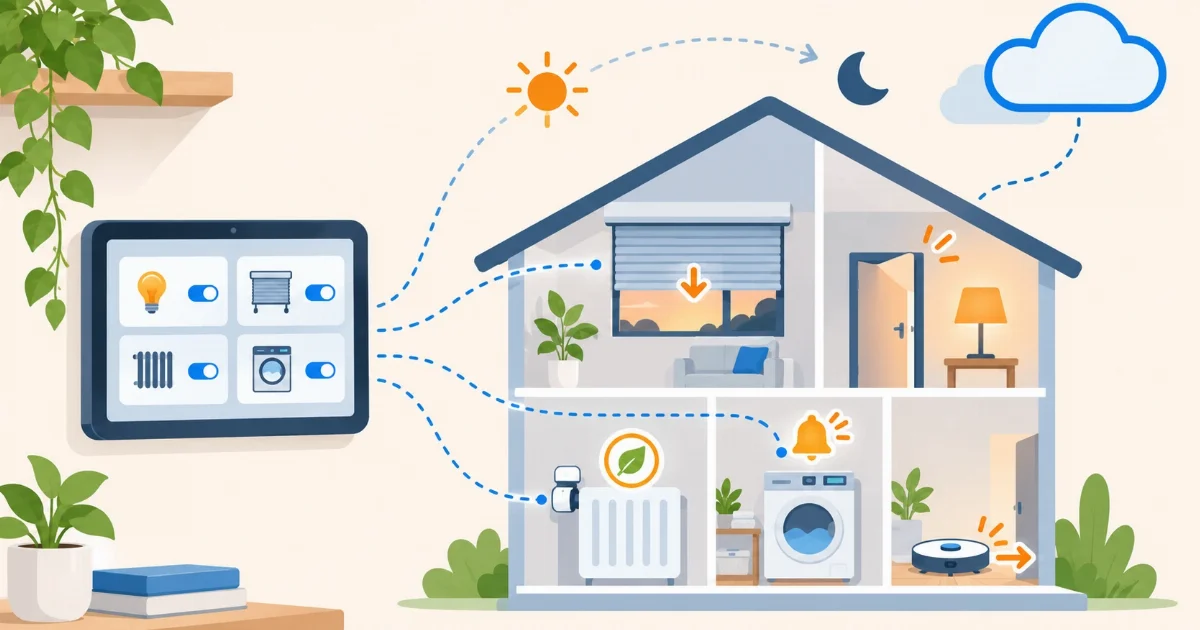

Many people install Home Assistant, build a nice dashboard with their lights and plugs, and stop there. It is a good start, but it is the least of it. The best of Home Assistant happens when you are not looking: the home reacts by itself. Here are seven things you can do that go far beyond a dashboard. All of them also work with Home Assistant in the cloud.
1. Let the home know who is in
With each person’s phone app, Home Assistant knows who is home. From there: turn everything off when the last person leaves, lower the heating when nobody is in, or turn on the entrance light when someone comes back at night. It is the basis of almost every useful automation.
2. Alerts that are actually useful
A phone notification when the washing machine finishes (a plug that measures power sees it drop to zero), when a window is still open with the heating on, or when a room goes above a certain temperature. Notifications can carry buttons: “Turn off the lights?”, and you answer from the lock screen.
3. Routines by time, sun and calendar
Lower the blinds at sunset rather than at a fixed time that drifts with the seasons. Turn on the heating only on working days (Home Assistant knows the public holidays in your region) or follow a shift calendar. These automations need no sensor at all.
4. See how much energy your home uses
The Energy dashboard shows how much your home uses per hour, per day and per device, and what it costs. With a few plugs that measure power you find which appliance wastes energy on standby. If you have solar panels, you see how much you produce and how much you use.
5. Scenes: many things with one tap
A scene stores how you want several things at once: “Movie” lowers the blinds, leaves one dim light and turns off the rest. “Leaving” turns everything off. You start them from the dashboard, from a physical button or from an automation.
6. Helpers: memory for your home
Helpers are small building blocks that are not devices: a “guest mode” toggle, a dropdown with the comfort mode, a timer or a counter. With them your automations stop being fixed and adapt to what is going on. We explain them with real examples in 5 helpers that make your automations simpler.
7. Understand what happened and when
Home Assistant keeps the history of every sensor and every action. You can see how a room’s temperature changed over the week, or why a light turned on at three in the morning. Since version 2026.11, the Activity panel also tells you what triggered it: a person, an automation or an integration.
Where to start
You do not have to do it all at once. Start with presence (the phone app) and one useful notification. That is enough to understand how an automation works: a trigger, a condition and an action. If you do not have any devices yet, see what you can do with just your phone.
And if you would rather not start by setting up a server, Coiaca Cloud HA is the official Home Assistant in the cloud, ready in 15 minutes, with your own address and the app working from outside your home without opening ports. Everything in this article works the same.
Sources
- Home Assistant: automations
- Home Assistant app: actionable notifications
- Home Assistant: Workday
- Home Assistant: Energy dashboard
- Home Assistant: scenes
- Home Assistant: helpers
Coiaca is not affiliated with the Open Home Foundation or Nabu Casa. Home Assistant is a trademark of its owners.